Crickbet99 App Not Installing? Try These Fixes
Trying to install the Crickbet99 app and seeing errors like App not installed, Parse error, or Blocked by Play Protect can be frustrating, especially when you have already downloaded the APK and expect it to work in seconds. This is one of the most common issues Android users face when installing apps from outside the Play Store. In most cases, the problem is not with your phone permanently. It usually comes from one of a few simple causes such as blocked unknown-source permissions, low storage, a corrupted APK file, browser cache problems, or Android security settings that stop the installation before it begins.
The good news is that most installation errors can be fixed quickly if you follow the right order. Whether you are using Samsung, OnePlus, Vivo, Xiaomi, Redmi, Realme, Oppo, or another Android device, the solutions are usually very similar. If you downloaded the APK from the official Crickbet99 apk page but the installation still fails, this guide will walk you through the practical fixes that solve the issue for most users.
This article explains why the problem happens, how to fix it step by step, and what to do if the package still does not install after multiple attempts.
Table of Contents
Why the Crickbet99 App Does Not Install
When users download the Download app file from the website, they often assume the installation will work instantly. But Android devices are designed to be careful with APK files that come from outside the Play Store. This is why many devices block installation by default.
There are a few major reasons why the Crickbet99 APK may fail to install:
Your phone has not allowed installation from unknown sources.
Google Play Protect blocks the APK as a third-party package.
The APK download is incomplete or corrupted.
Your phone does not have enough free storage.
Your browser cache caused a damaged file download.
An older version of the package is already installed and causing a conflict.
Your Android version is too old for the current build.
Understanding these causes makes the solution much easier, because each issue has a direct fix.

Fix 1: Enable Install Unknown Apps
This is the most common reason the Crickbet99 app does not install. Android blocks external APK files unless you give permission to the browser or file manager you used to download the file.
Open your phone settings and go to the package permissions area. Look for Install unknown apps or Install unknown sources. On many phones, you will need to select the browser, such as Chrome or Samsung Internet, and then enable Allow from this source.
After that, go back to the downloaded APK and tap it again. In many cases, the installation begins immediately once this setting is enabled.
This step is especially important for new users who are downloading the package for the first time from the Crickbet99 apk page.
Fix 2: Check If Play Protect Is Blocking the APK
Google Play Protect often flags APK files installed outside the Play Store. This does not always mean the file is dangerous, but it does mean the system is cautious.
If Play Protect stops the installation, check whether there is an option such as Details or Install anyway. Only continue if you downloaded the file from the official Download package page and trust the source.
In some cases, users temporarily disable Play Protect, install the package, and then turn it back on after the process is complete. This should only be done carefully and only when the APK source is trusted.
Fix 3: Free Up Device Storage
Another very common reason the package does not install is low phone storage. Even if the APK itself is not very large, Android still needs additional temporary space during installation.
Check your storage in phone settings. If your storage is nearly full, remove unnecessary downloads, duplicate photos, old videos, large WhatsApp media folders, or unused apps. Restart the phone after cleanup and then try installing the APK again.
Users often focus on the file itself and forget that the phone may not have enough working space to unpack and install it correctly. If your device is full, even a perfect APK may fail.
Fix 4: Clear Browser Cache and Redownload the File
If the downloaded APK is corrupted, the installation may show an App not installed or Parse error message. A bad browser cache can cause this.
Go to the settings for the browser you used to download the file, such as Chrome. Clear cache and, if needed, clear browsing data. Then open the official Crickbet99 apk page again and download a fresh copy.
This fix works well when users have tried the same file multiple times without success. Instead of forcing the same broken file again and again, it is better to clear the cache and start with a new download.
Fix 5: Check Android Version Compatibility
Not every APK works on every Android version. If your phone is very old, the latest version of the Crickbet99 package may not support it.
Go to About phone and check your Android version. If your phone is using a very old version, the APK may fail during install even if every other setting is correct. In that case, update the device software if an update is available. If no update is possible, you may need to use the mobile browser version through Crickbet99 instead of the Android package.
This is especially relevant for users trying to install modern APKs on older budget phones with outdated firmware.
Fix 6: Remove Any Old Version Before Installing a New One
Sometimes the installation fails because an older version of the package already exists on the device, and the new APK conflicts with it. This can happen if the old version came from a different source or was signed differently.
Go to your installed apps and search for Crickbet99. If you find an older version, uninstall it fully. After that, download the latest file again from the official Download app page and try the installation once more.
This fix is very effective when users upgraded phones, restored backups, or previously tested older APK builds.
Fix 7: Switch Browser or Internet Connection
If the APK file keeps getting corrupted, the issue may be the browser or the connection used during download. A poor network can create incomplete downloads without making the problem obvious.
Try downloading the file again using another browser such as Firefox instead of Chrome, or use mobile data if your Wi-Fi is unstable. If you were downloading through a VPN, turn it off and try again. Also check whether the file size looks normal after the download is complete.
A clean redownload from the official Crickbet99 apk page often solves unexplained installation failures.
Fix 8: Use Device-Specific Settings
Different Android brands sometimes hide the unknown-app setting in different places. That is why one user may find it in seconds while another thinks the option is missing.
Samsung devices often keep it under security or biometrics settings. Xiaomi and Redmi phones may place it in privacy or special access menus. Vivo and iQOO sometimes include it under more settings or permission management. OnePlus users usually find it under app management or special package access.
If you cannot find the setting quickly, search your phone settings for unknown apps or install unknown apps and enable it for the browser you used.
What If the App Still Does Not Install?
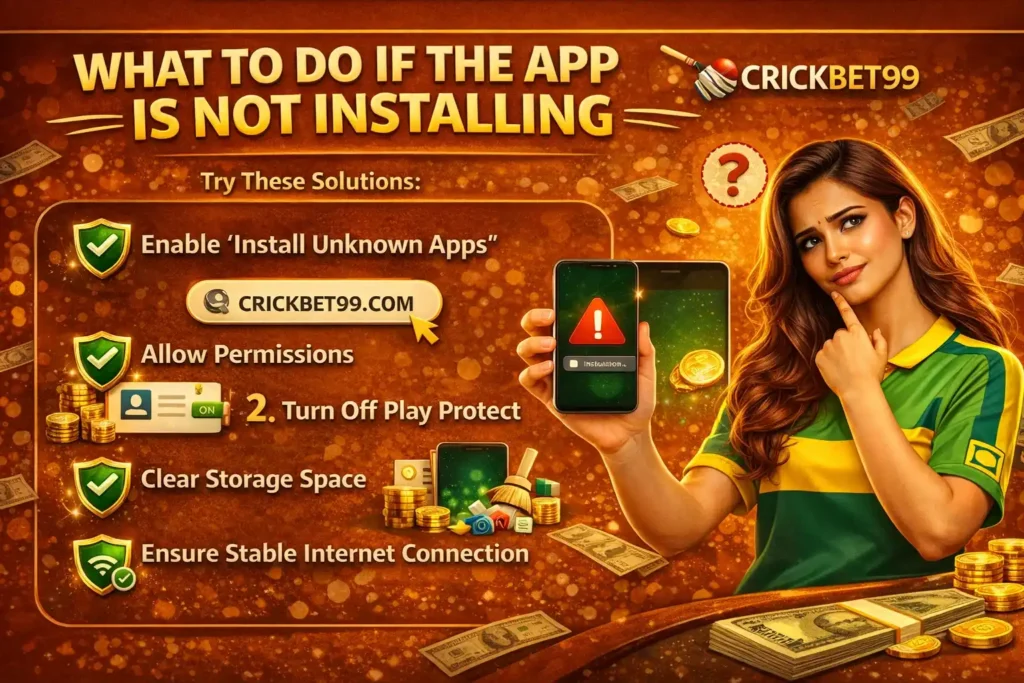
If you have tried every fix above and the APK still fails, do not keep forcing installation repeatedly. Instead, take a more careful approach.
First, confirm that you downloaded the package from the official Download app. Second, restart the phone fully and try once more after cleanup. Third, note the exact error message. Messages such as Parse error, App not installed, or Blocked for security can help identify the real issue faster.
Best Practices to Avoid Installation Problems
The easiest way to avoid trouble is to do the setup correctly from the start. Download only from the official source. Make sure your phone has enough space before downloading. Enable unknown-app permission before tapping the APK. Avoid using unstable internet connections or ad blockers during the download. Keep your Android version reasonably updated, and do not install random modified APK files from unknown websites.
Users who follow these habits usually install the package smoothly on the first try.